
Checking out any git branch with vim-fugitive
Updated on 7/24/2025
TLDR; Scroll to a commit line in any fugitive buffer and type
coo.
Whenever I'm in neovim and I want to go back to an old git branch or commit, I normally want to find it first with a :Git log command.
Something like:
would result in this type of output.
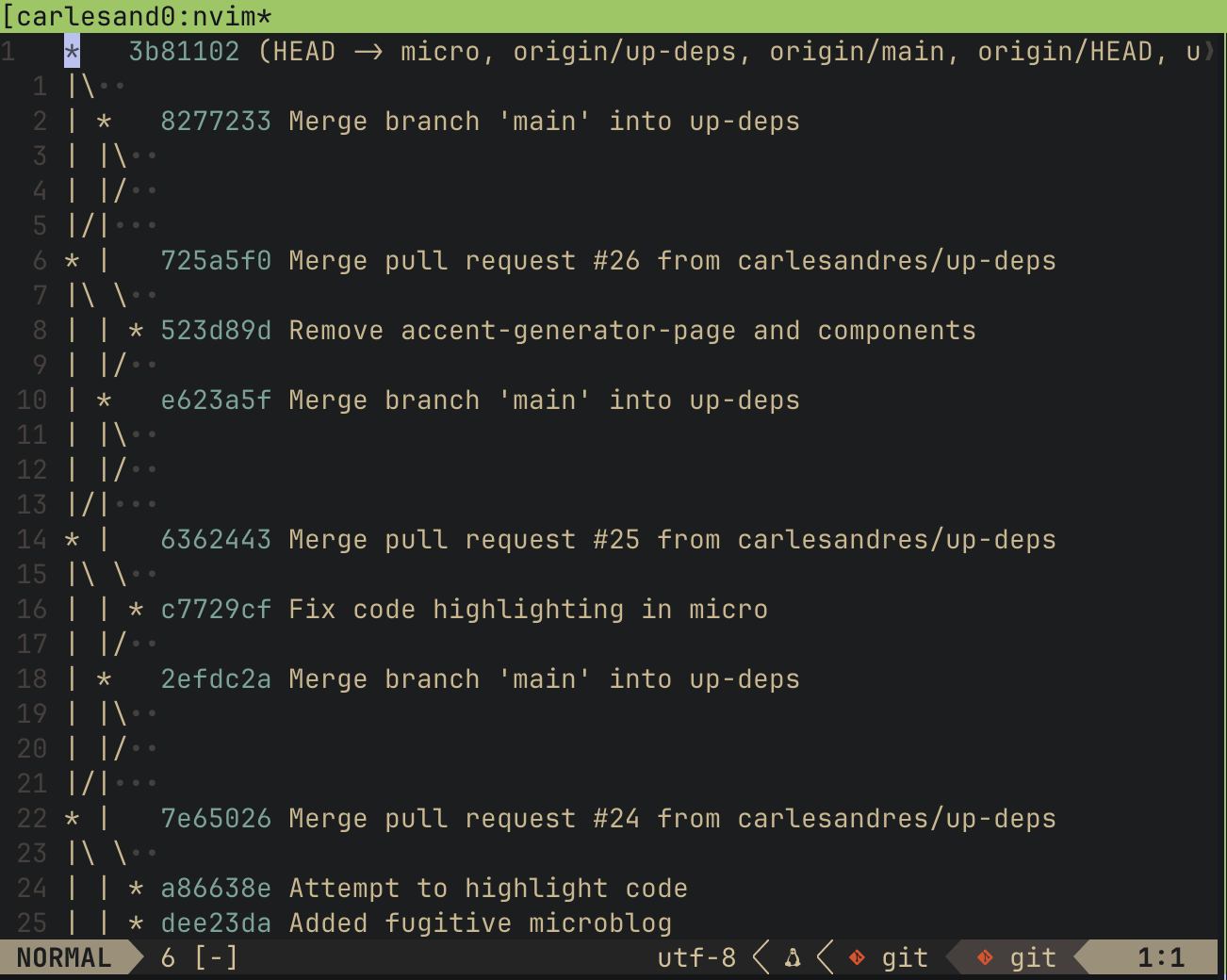
I can then scroll to the commit I want to check out and then type coo.
coo checks out the selected commit, and should work on any line that references a commit in fugitive buffer.